Loading…
27" QHD (2560×1440) vs 27" 4K (3840×2160)
Last updated: February 13, 2026
Overview
27" QHD (2560×1440) vs 27" 4K (3840×2160): same physical size, different resolution and scaling.
Verdict
At 27", QHD (1440p) is a sweet spot: no scaling needed on most systems, and you get a solid amount of workspace. 4K at 27" is sharper but usually requires 150% scaling, so effective workspace is similar to 1440p with better clarity. Pick QHD for simplicity and compatibility; pick 4K if you want maximum sharpness and are fine with scaling.
Physical Size Comparison
Relative physical size of each display at scale (same units as your selection).
27" QHD (2560×1440)
27" 4K (3840×2160)
27" QHD (2560×1440)
in
DIAG27.0 in
W×H23.5 × 13.2 in
cm
DIAG68.6 cm
W×H59.8 × 33.6 cm
27" 4K (3840×2160)
in
DIAG27.0 in
W×H23.5 × 13.2 in
cm
DIAG68.6 cm
W×H59.8 × 33.6 cm
Pixel Workspace Comparison
Effective pixel workspace with 1x/2x scaling. Shows how much logical space you get on each display.
27" QHD (2560×1440)
27" 4K (3840×2160)
27" QHD (2560×1440)
NATIVE2,560 × 1,440
WORKSPACE2,560 × 1,440
PPI109
ScalingNormal
27" 4K (3840×2160)
NATIVE3,840 × 2,160
WORKSPACE3,840 × 2,160
PPI163
ScalingNormal
Content Rendering Comparison

2560×1440
27" QHD (2560×1440)
Screenshot: 1440p
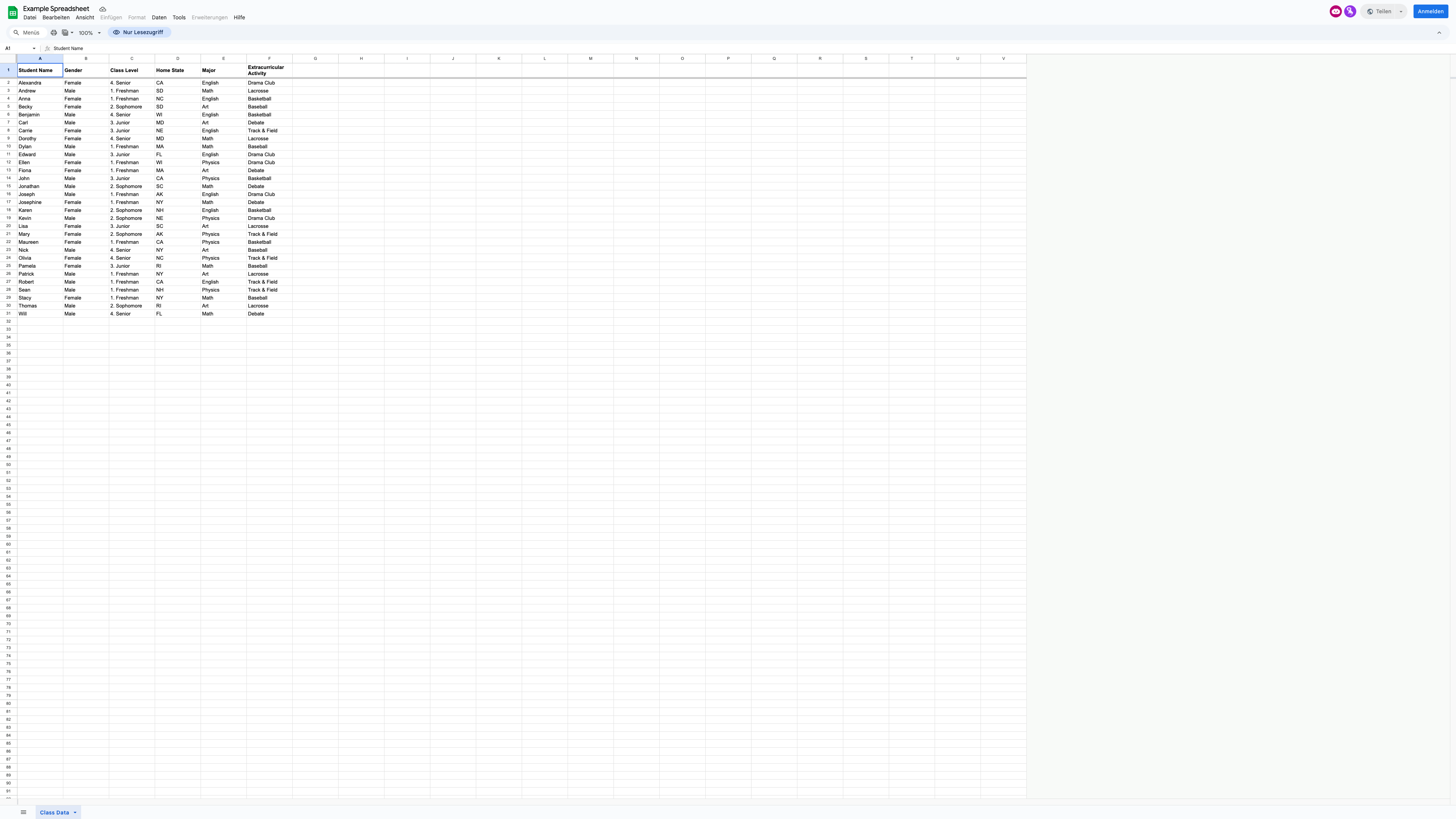
3840×2160
27" 4K (3840×2160)
Screenshot: 4k
Zoom Comparison
vs
27" QHD (2560×1440)
Screenshot: 1440p
100%
PPI: 109
Scaling: Normal
27" 4K (3840×2160)
Screenshot: 4k
100%
PPI: 163
Scaling: Normal
What this shows:
- Each side shows the actual screenshot at that resolution (pixel-based PNG)
- At higher zoom you see real pixel detail: lower-res screenshots pixelate, higher-res stay sharper
- Same content type; different resolutions show how much fits and how sharp it renders
27" QHD (2560×1440)
NATIVE2,560 × 1,440
EFFECTIVE2,560 × 1,440
ScalingNormal
PPI109
Screenshot1440p
27" 4K (3840×2160)
NATIVE3,840 × 2,160
EFFECTIVE3,840 × 2,160
ScalingNormal
PPI163
Screenshot4k
Learn more
Read our guide on display technologies, resolution, and scaling.
View guide articles →